
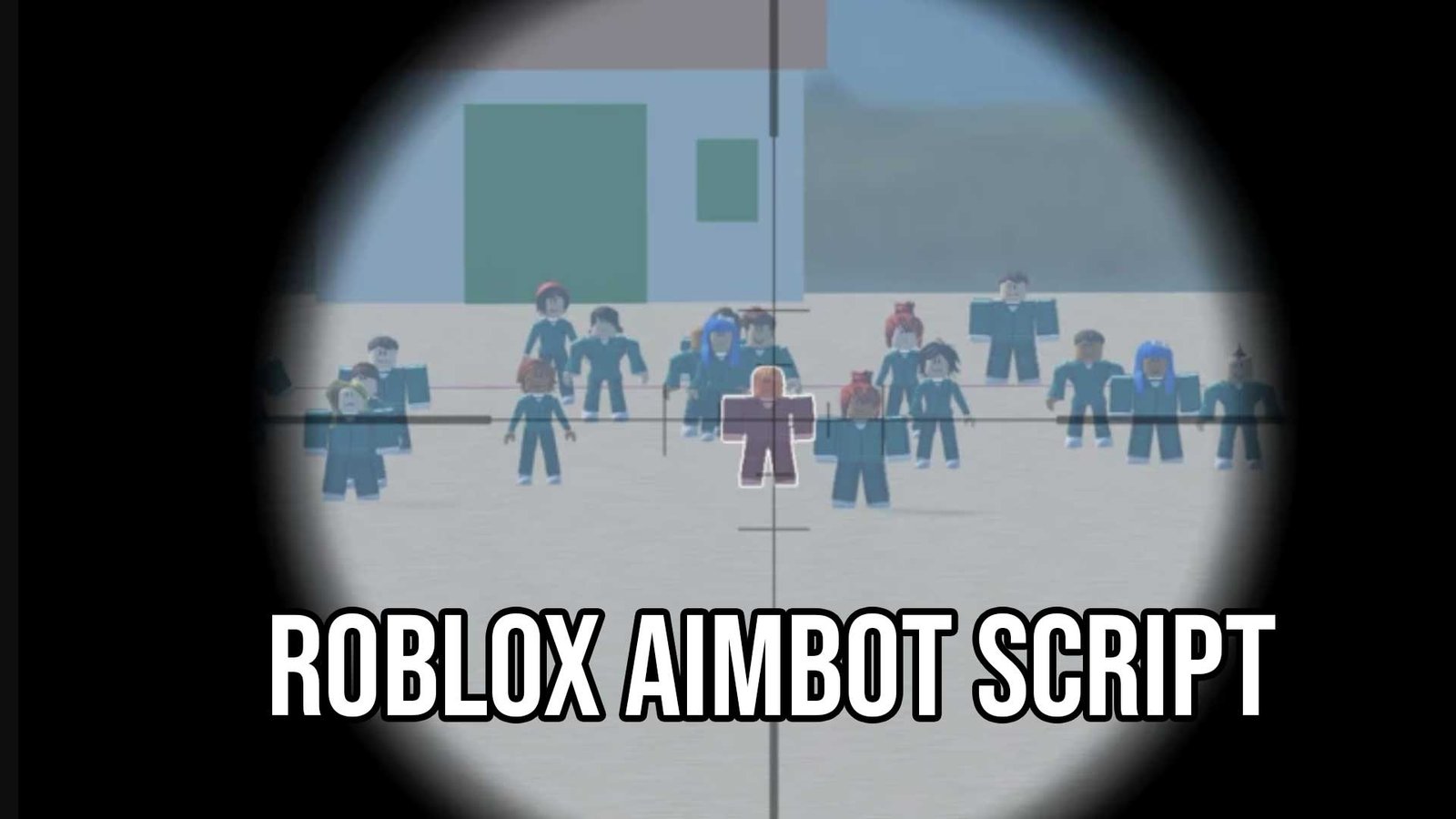
The Roblox Aimlock Scripts (Universal Aimbot V2) is the ultimate combat utility for players who want to never miss a shot again. In 2026, competitive shooters on Roblox like Da Hood, Arsenal, and Phantom Forces are faster and more competitive than ever. This specific Aimbot V2 script is designed to be the definitive solution, offering a universal aim-lock that works on any game using default characters, along with crucial improvements in security, speed, and customization.
What is the Universal Aimbot Script?
The Universal Aimbot Script is a high-performance Lua script designed to lock your camera or crosshair onto enemy players automatically. While many aimbots are game-specific (and break easily), this script is Universal. It detects standard Roblox character models (R6 and R15) and attaches to them, meaning you can use the same script to dominate in Murder Mystery 2, Combat Warriors, or BedWars.
This new V2 Version brings massive improvements over older scripts. It features optimized code for faster execution, supports Third Person views perfectly (which many scripts struggle with), and includes advanced security measures to decrease the risk of detection by anti-cheats.
Features of Aimbot V2 Script
This script is packed with “Legit” and “Rage” settings designed for precision and efficiency. Here are the standout improvements in V2:
- Universal Compatibility & Third Person Support: Works on almost all games that use the default Roblox character system. It is also specifically optimized for Third Person camera modes, ensuring your aim doesn’t bug out when you zoom out.
- Decreased Detection Risk: The code has been rewritten to be stealthier. It mimics natural mouse movements more closely and bypasses basic server-side checks, significantly improving your account security.
- Configurable Settings & Storing: You can customize the aimbot to your playstyle (e.g., aiming for the Head vs. Torso, or adjusting smoothing). The script also saves your settings, so you don’t have to re-configure it every time you launch the game.
- Optimized Performance: The V2 code is cleaner and faster. It executes instantly and runs without causing FPS drops or lag, even in chaotic 30-player lobbies.
Download & Copy All Roblox Aimlock Scripts 2026
1. Aimbot V2 GUI
loadstring(game:HttpGet("https://raw.githubusercontent.com/Exunys/Aimbot-V2/main/Resources/Scripts/Aimbot%20V2%20GUI.lua"))()
2. Aimbot V2 Default (With Exunys Developer Systems)
loadstring(game:HttpGet("https://raw.githubusercontent.com/Exunys/Aimbot-V2/main/Resources/Scripts/Main.lua"))()
3. Aimbot V2 Raw (Without Exunys Developer Systems)
loadstring(game:HttpGet("https://raw.githubusercontent.com/Exunys/Aimbot-V2/main/Resources/Scripts/Raw%20Main.lua"))()
4. Aimbot V2 Raw (Without Exunys Developer Systems)
loadstring(game:HttpGet("https://raw.githubusercontent.com/Exunys/Aimbot-V2/main/Resources/Scripts/Raw%20Main.lua"))()
4. Aimbot V3
local Aimbot = loadstring(game:HttpGet("https://raw.githubusercontent.com/Exunys/Aimbot-V3/main/src/Aimbot.lua"))()
Aimbot.Load()
4. Aimbot Load Method
loadstring(game:HttpGet("https://raw.githubusercontent.com/Exunys/Aimbot-V3/main/src/Aimbot.lua"))()()
5. Airhub
loadstring(game:HttpGet("https://raw.githubusercontent.com/Exunys/AirHub/main/AirHub.lua"))()
6. Ryukii


6. Aimbot Lua Script
-- main.lua
-- Simple example Lua program

local function greet(name)
    print("Hello, " .. name .. "! Welcome to my GitHub repo.")
end

greet("world")
How to use the Universal Aimbot Scripts?
Using this script is simple and works on both PC and Mobile. Follow this step-by-step guide to activate the aimlock:
- Download an Executor: Install a reliable Roblox script executor.
- For Mobile (Android): We recommend Delta, Codex, or Arceus X.
- For PC: Use Solara, Wave, or Synapse Z.
- Get the Script: Copy the Aimbot V2 script code from the link above.
- Launch the Game: Open Roblox and enter any shooter or combat game.
- Inject and Execute: Open your executor, paste the script into the text editor, and click the "Execute" button.
- Configure: The GUI will appear. Adjust your "Smoothness" and "Target Part" (Head/Torso), then enable the Aimlock.
Frequently Asked Questions (FAQs)
Q1. Does this work in every Roblox game?
It works in most games that use standard Roblox characters (Humanoids). It might not work in games that use custom character models or highly complex custom engines (like Frontlines).
Q2. Is it safe to use in 2026?
This V2 version includes "Decreased Detection Risk" protocols, making it safer than older raw aimbots. However, if you use "Rage" settings (snapping instantly to heads), players will report you. We always recommend using an alt account.
Q3. Does it support mobile?
Yes! The script is lightweight and the GUI is accessible on mobile screens. It pairs perfectly with mobile executors like Delta.
Q4. What is "Third Person Support"?
Many aimbots break when your camera is zoomed out (Third Person), shooting the ground or the sky. This script corrects that math, ensuring your bullets hit the target regardless of your camera distance.
Q5. Is this script Keyless?
Yes, this specific Universal Aimbot V2 is usually Keyless, allowing you to paste and dominate immediately without ad verification.
The Roblox Aimlock Scripts (Universal Aimbot V2) is the perfect tool for players who want to dominate combat games without the frustration of missing shots. With features such as Third Person Support, Configurable Settings, and Enhanced Security, it adds a new level of precision to your gameplay.
It transforms you from an average player into a sharpshooter instantly. However, players should remember that using aimbots provides an unfair advantage and violates Roblox rules. To stay safe, always use reliable executors, keep your "Smoothing" high to look legit, and play responsibly. Make sure you check our other Roblox Scripts only on RTweaks.